Solve Networks Customer Billing Portal: What’s New and How to Get Started

Solve Networks has launched a new Customer Billing Portal to enhance your account management experience. The updated platform provides greater visibility, flexibility, and security all in one place.
This new system replaces our previous billing portal and includes improved tools for payment processing, invoice tracking, and data usage reporting.
What’s New in the Billing Portal
The new Solve Networks Customer Billing Portal offers:
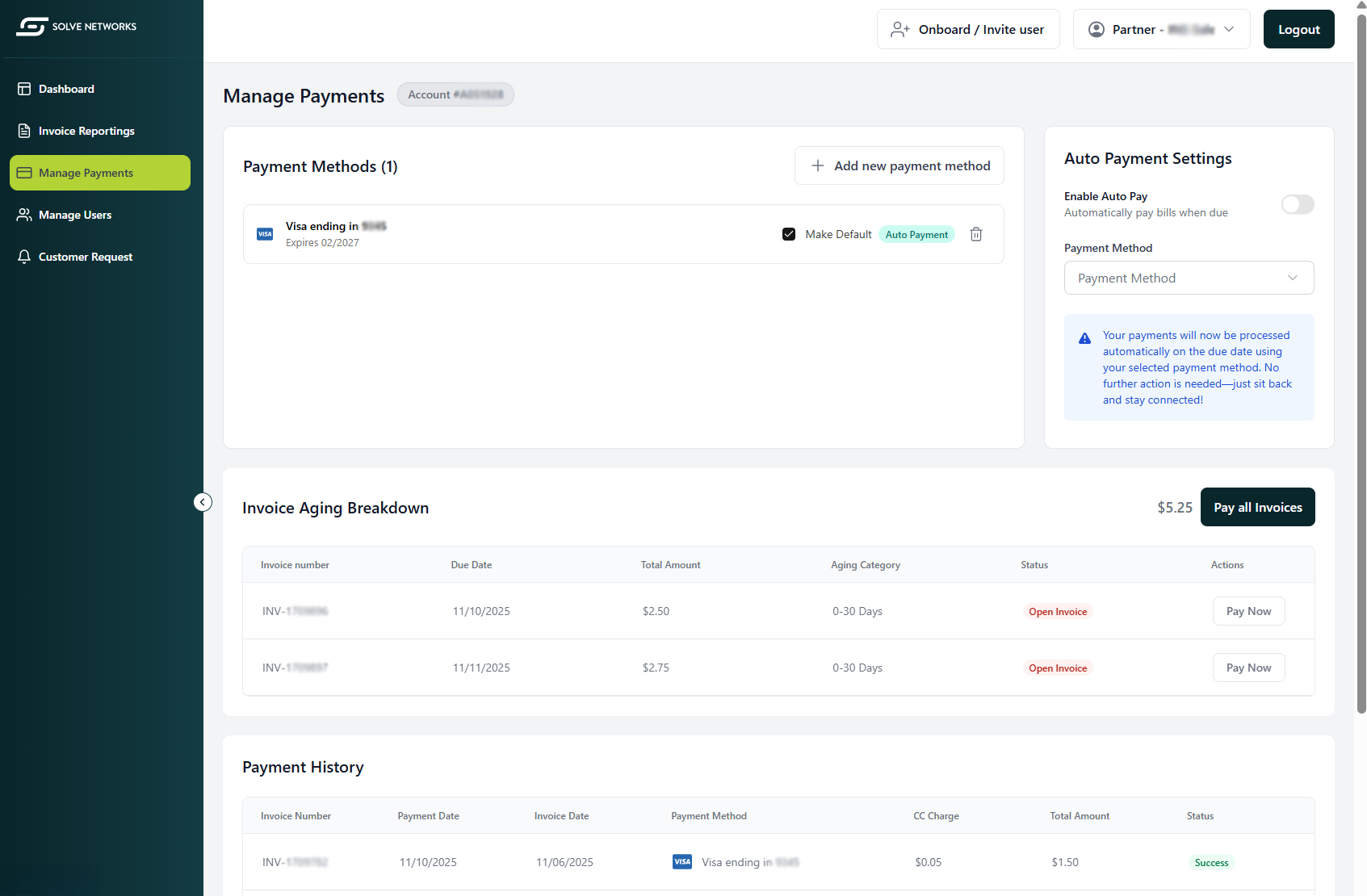
- Modernized Payment Interface: Pay securely via credit card or ACH with simplified navigation.
- 2-Factor Authentication: Added protection with secure login verification.
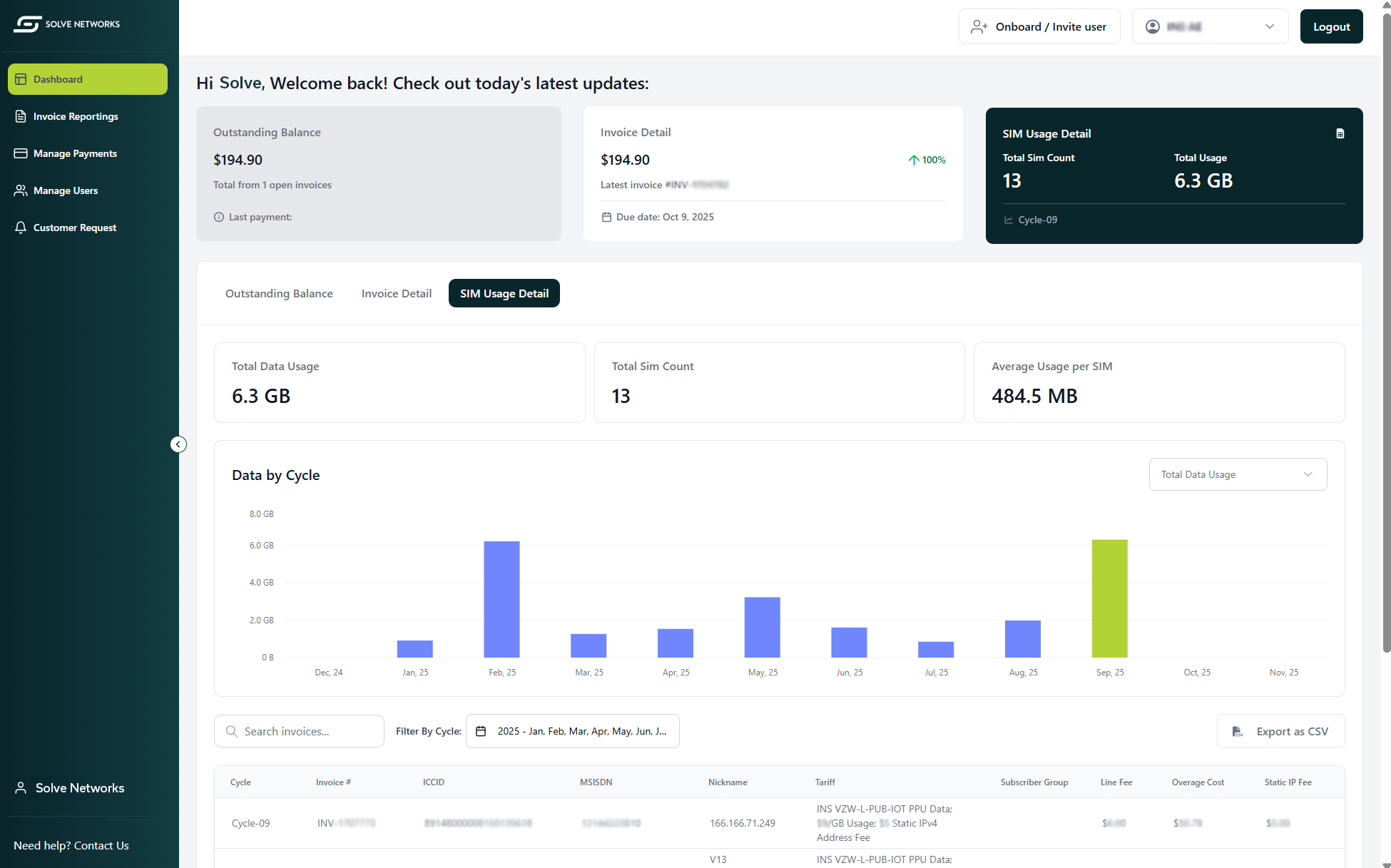
- Historical Invoice Reporting: Access and visualize previous invoices anytime.
- Data Usage Trends: View and track your SIM usage month-to-month.
- Data Exports: Export multi-month usage data to a CSV file for analysis.
- Improved Visibility: See payments, invoices, and usage details in one centralized view.
Log In Now to Complete Setup
Action Required: If you currently pay via credit card or ACH, please log in to the new portal and re-enter your payment information.
For security reasons, your previous payment details have not been transferred from the old system. Please complete this step to ensure uninterrupted account billing.
How to Log In for the First Time
Follow these steps to access your new account:
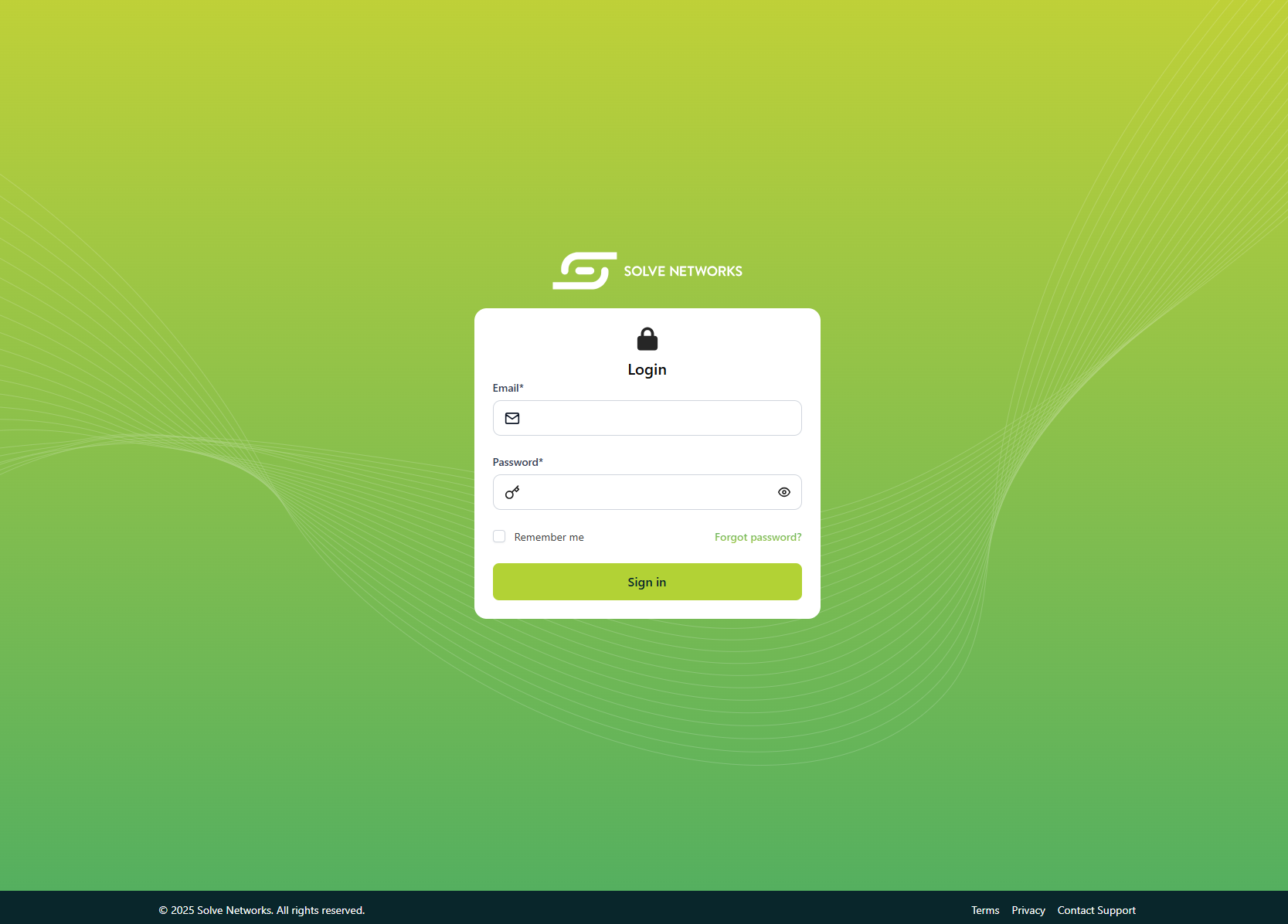
- Go to cp.solvenetworks.com
- Click “Forgot password?”
- Enter the same email address used for your previous Solve Billing Portal
- Follow the secure reset link sent to your email
- Enable Two-Factor Authentication (2FA) for secure login
- Once logged in, navigate to:
Why This Change Matters
This upgrade ensures a more secure, efficient, and transparent billing experience. With enhanced account visibility and control, you can quickly access data insights, manage payments, and stay informed, all from one modern interface.
Need Help?
If you have questions or need assistance during setup, our team is here to help. Contact your Solve Networks representative or reach out directly to the Billing Department via email Billing@solvenetworks.com or phone 888-714-8707 ext. 202.